ChatGPT
Findip is published in the ChatGPT Plugins directory. There's no URL to paste — just search for the plugin, click Connect, and sign in to Findip.
Using a Findip team seat? Start with Team setup and Connect with a team seat — accept your team invitation before you connect. ChatGPT's Business, Enterprise, and Edu plans are not the same as a Findip team subscription.
Prerequisites
All you need is a Findip account. If you see a Plugins entry in the ChatGPT left sidebar, you're good to go. On a company or school workspace (ChatGPT Business, Enterprise, Edu) you can only connect apps your admin has enabled — read the Business, Enterprise, and Edu plans section below first.
Setup steps
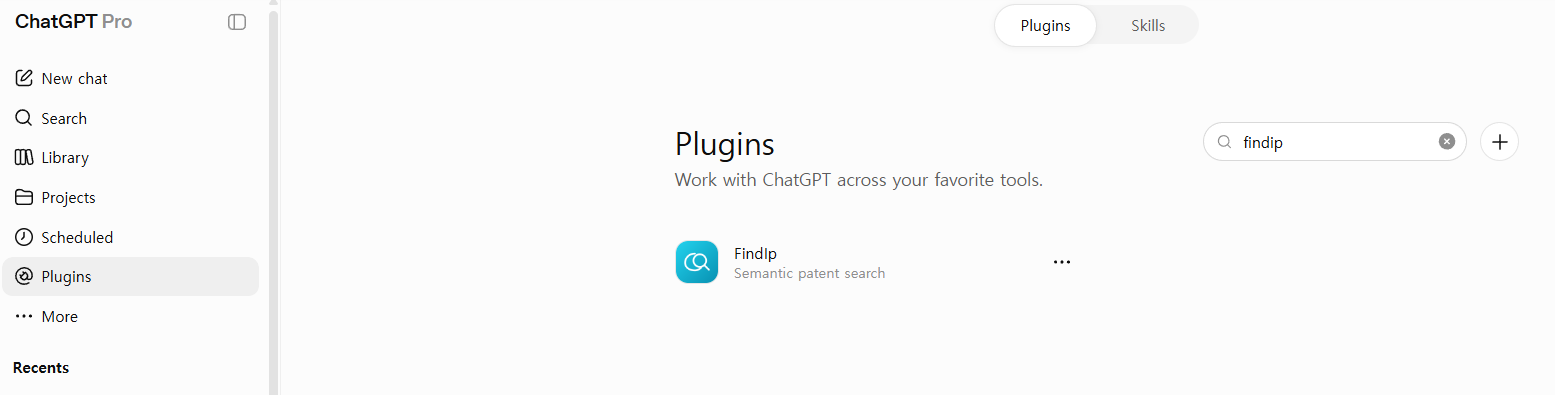
Search for Findip Patent in Plugins
ChatGPT left sidebar → Plugins (or Settings → Plugins) → type findip in the search box → click Findip Patent (Semantic patent search) in the list.
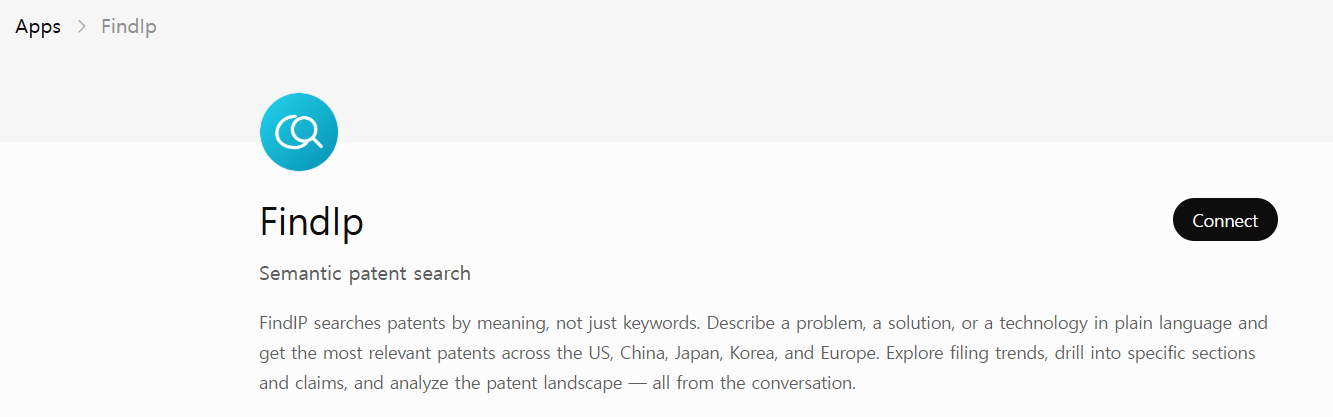
Click Connect
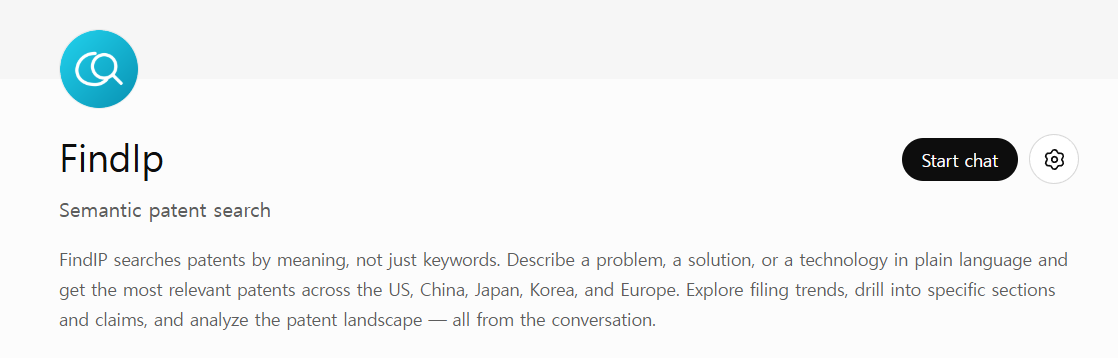
On the Findip Patent page, click the Connect button in the top-right corner.
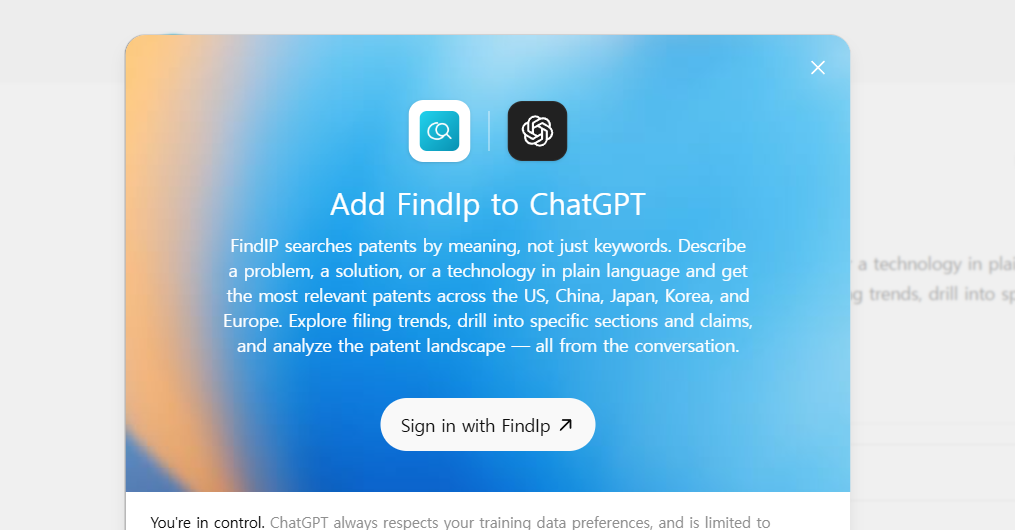
Sign in to Findip
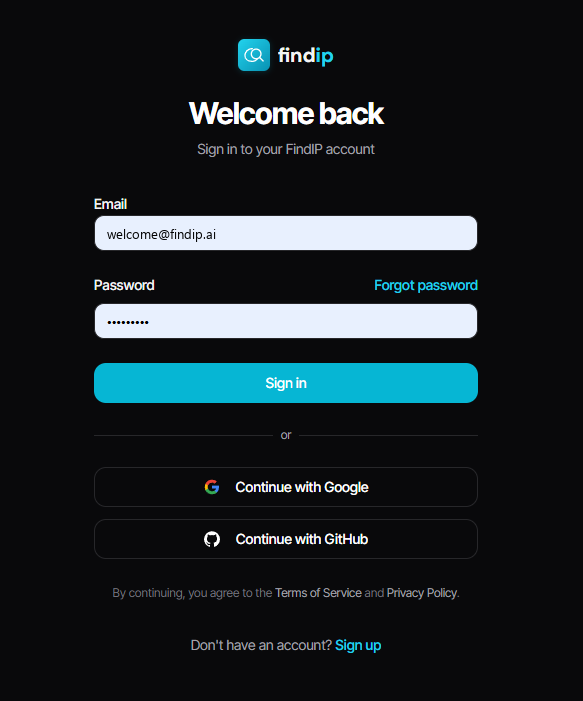
In the "Add Findip Patent to ChatGPT" dialog, click Sign in, then sign in with your Findip account on the next screen to grant access.
Connected
After signing in, refresh the page and the button changes to Start chat.
⚠️ Refresh required
Right after signing in the button may not change. Refresh the page for it to switch to Start chat.
Turn Findip Patent on in a chat
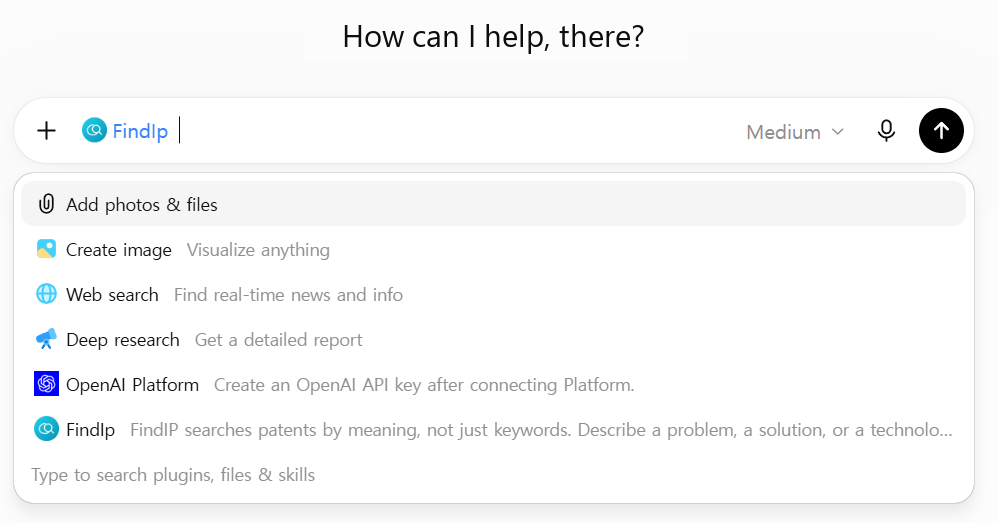
Once connected, there are three ways to turn Findip Patent on in a conversation:
@mention — type@in the composer and pick Findip Patent to invoke it directly. This is the quickest route.+button — click + to the left of the input box and FindIp is right there in the list. Type to filter if the list is long.- Tool panel — enable it from the tool panel below the chat.
⚠️ Use it in a new conversation
You can't use the plugin in the same conversation where you installed it. Start a new conversation, then turn Findip Patent on using one of the routes above.
Business, Enterprise, and Edu plans
On a ChatGPT Business, Enterprise, or Edu workspace, members can only connect apps their admin has enabled. Members can browse every app in the app directory, but they can connect only to the apps a workspace admin has enabled. The one difference between the plans is the default for the app feature itself — on Business it is on, while on Enterprise and Edu it is off by default, so an admin has to turn that feature on first. Either way, allowing an individual app is the admin's call, and each member signs in to Findip individually — rolling the app out to an organization is separate from authenticating an account.
Workspace admin — enable Findip Patent
In Workspace settings → Apps & connectors, an admin or owner decides which apps the workspace can use and what each app is allowed to do. That screen has Enabled / Available / Draft tabs — enable Findip Patent there.
On Enterprise and Edu the app feature itself is off by default, so turn that feature on first and then enable Findip Patent. On Business the app feature is already on, but enabling an individual app is still the admin's job.
The member role can't enable an app on its own, so members should ask their workspace admin.
Members — connect, then sign in individually
Once the admin has enabled Findip Patent, follow the setup steps above as written: find Findip Patent in Plugins, click Connect, and sign in with your own Findip account. Enabling the app for an organization doesn't sign anyone in — every member authenticates separately.
Sample prompt
Prompt
"Compare LG Energy Solution and Samsung SDI's major Korean and US filings over the past 5 years on single-crystal synthesis processes for cathode materials in secondary batteries."
How does interactive chat differ from Deep Research?
In ChatGPT you can use Findip two ways: quick interactive chat, and autonomous in-depth Deep Research. See the search guide for when to use which.
Troubleshooting
There's no Plugins menu on the left.
Visibility can vary by region or ChatGPT version. Expand More in the left sidebar to check whether Plugins is listed, or open it from Settings → Plugins. Older versions may still label it Apps.
Findip Patent isn't in the list, or it's listed but won't connect.
On a company or school workspace (Business, Enterprise, Edu) your admin may not have enabled Findip Patent yet. In those workspaces you can browse the app directory but can only connect to apps the admin has enabled, so an app can show up in the list and still refuse to Connect. The member role can't enable an app itself, so ask your workspace admin to enable it in Workspace settings → Apps & connectors.
Findip Patent isn't searching.
Check that Findip Patent is on in that conversation — typing @ in the composer and picking Findip Patent is the most reliable way. It won't work in the conversation where you installed it, so try a new conversation.