ChatGPT
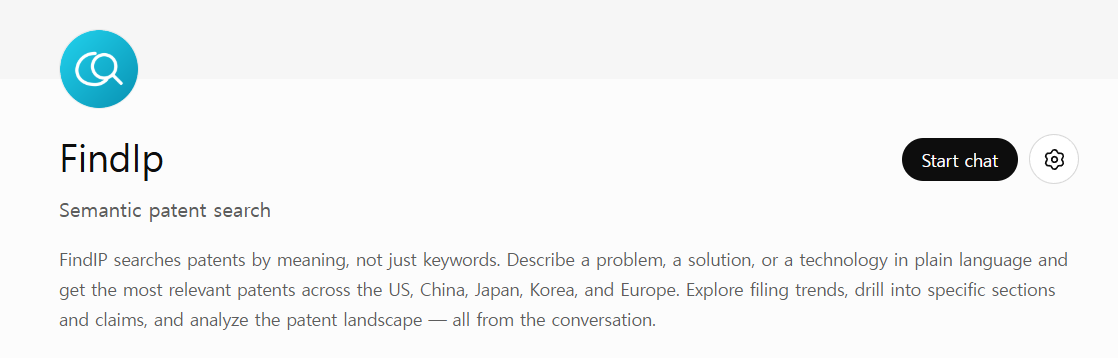
Findip is published in the ChatGPT Plugins directory. There's no URL to paste — just search for the plugin, click Connect, and sign in to Findip.
Prerequisites
All you need is a Findip account. If you see a Plugins entry in the ChatGPT left sidebar, you're good to go.
Setup steps
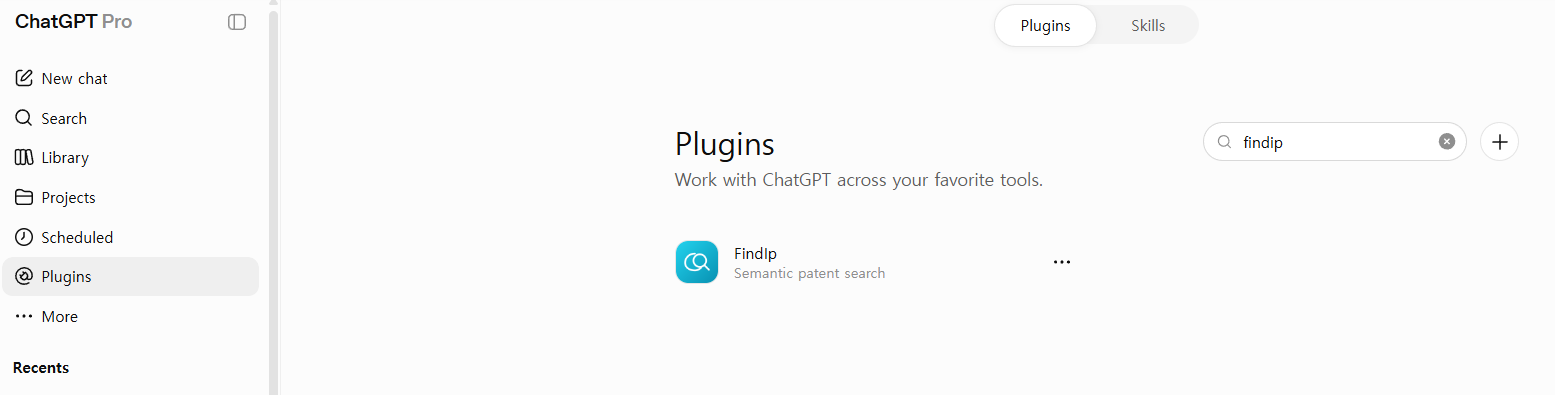
Search for Findip Patent in Plugins
ChatGPT left sidebar → Plugins → type findip in the search box → click Findip Patent (Semantic patent search) in the list.
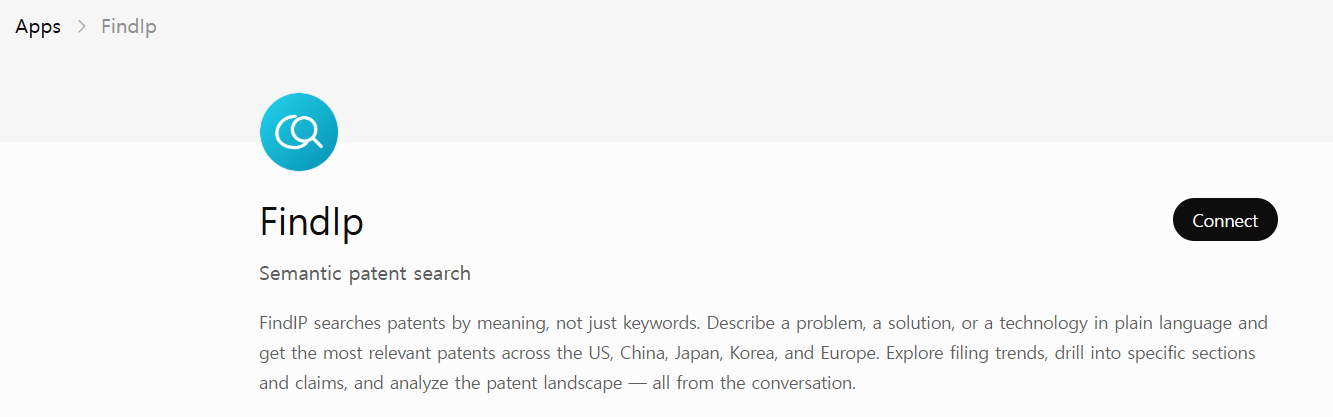
Click Connect
On the Findip Patent page, click the Connect button in the top-right corner.
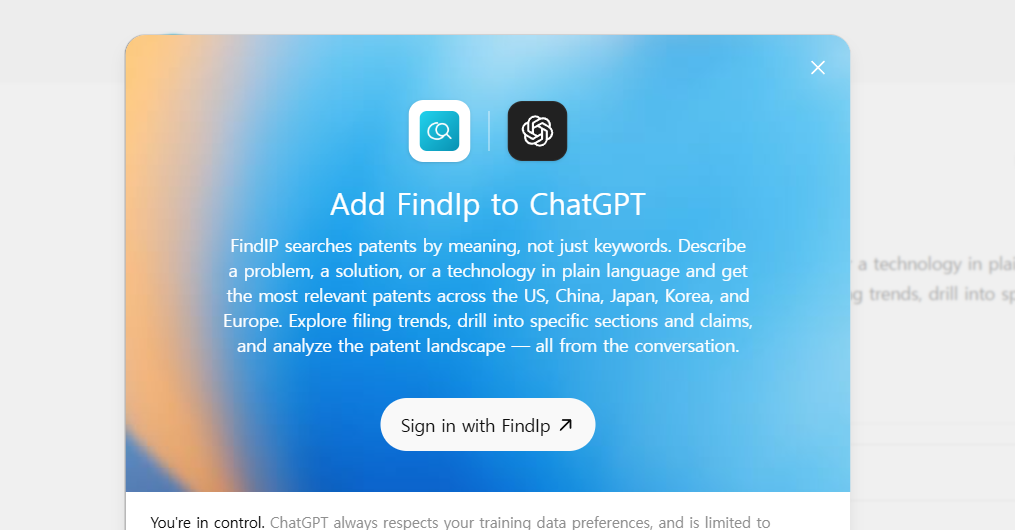
Sign in to Findip
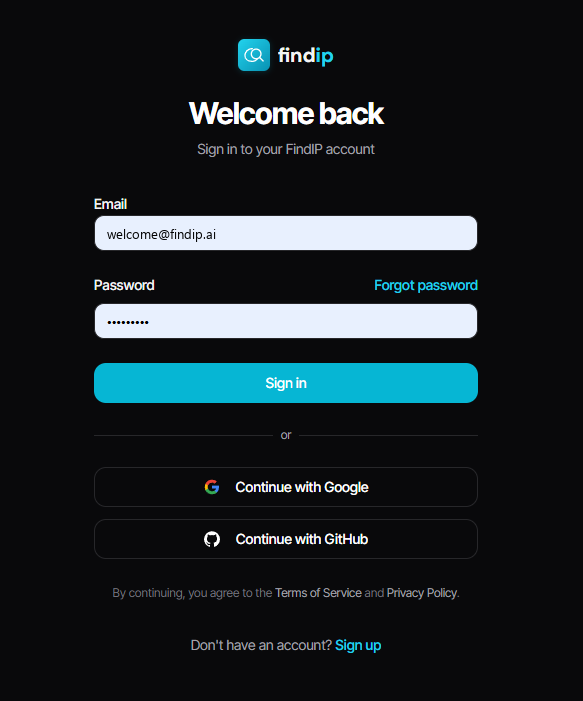
In the "Add Findip Patent to ChatGPT" dialog, click Sign in, then sign in with your Findip account on the next screen to grant access.
Connected
After signing in, refresh the page and the button changes to Start chat.
⚠️ Refresh required
Right after signing in the button may not change. Refresh the page for it to switch to Start chat.
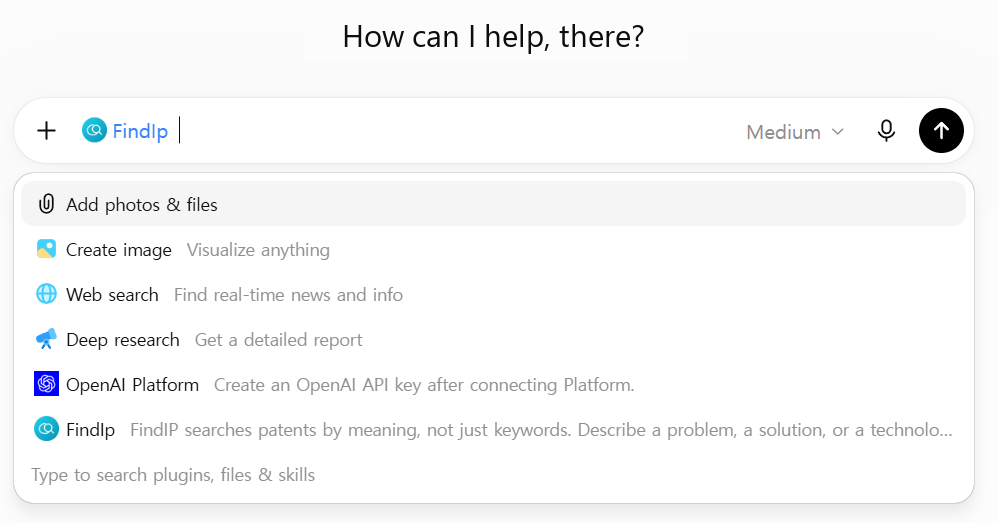
Select Findip Patent in the composer
Click the + button to the left of the input box and choose Findip Patent from the menu to enable patent search in that conversation. Then ask in natural language.
⚠️ Important · select it in every chat
In each new conversation you must open the + menu and choose Findip Patent for patent search to work. If you don't select it, it won't be called.
Sample prompt
Prompt
"Compare LG Energy Solution and Samsung SDI's major Korean and US filings over the past 5 years on single-crystal synthesis processes for cathode materials in secondary batteries."
How does interactive chat differ from Deep Research?
In ChatGPT you can use Findip two ways: quick interactive chat, and autonomous in-depth Deep Research. See the search guide for when to use which.
Troubleshooting
There's no Plugins menu on the left.
Visibility can vary by region or ChatGPT version. Expand More in the left sidebar to check whether Plugins is listed. Older versions may still label it Apps.
Findip Patent isn't searching.
Make sure you selected Findip Patent from the + menu to the left of the input box. You have to select it again in every new conversation.